
Amazon Shipping
Amazon Shipping can be connected using Amazon-provided API credentials.
Go to Channel>logistics> Amazon Shipping
You need to provide:
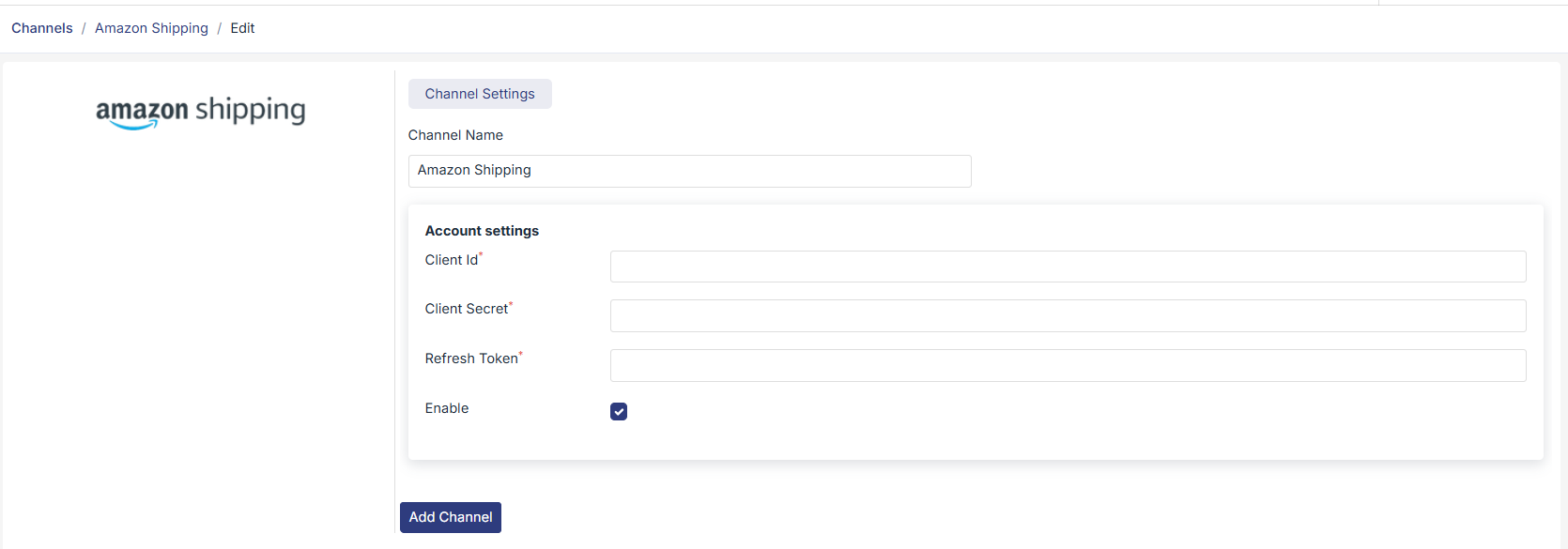
- Client ID
- Client Secret
- Refresh Token
How to get these credentials:
- Log in to your Amazon Shipping or Amazon Seller Central account
- Go to Developer or API credentials section
- Create an application to generate Client ID and Client Secret
- Generate the Refresh Token using Amazon’s authentication process
- If required, contact Amazon support for API access
Once enabled, Amazon Shipping can be used to ship orders and sync tracking details.
Was this page helpful?