
Email channels
Mystore allows you to set up custom email gateways that you can use to send emails instead of using the standard Mystore email service, which allows you to white label the emails that go out. The custom email gateways can also be used to sync user mailing lists in order to send marketing campaigns.
Accessing Email Channels
Follow the steps below to access SMS integrations in the admin panel:
- Login to your Mystore Admin Panel.
- Navigate to Channels from the left menu.
- Click on the Email tab.
You will see:
- Active Channels → Already configured integrations
- Available Channels → Supported SMS providers available for setup
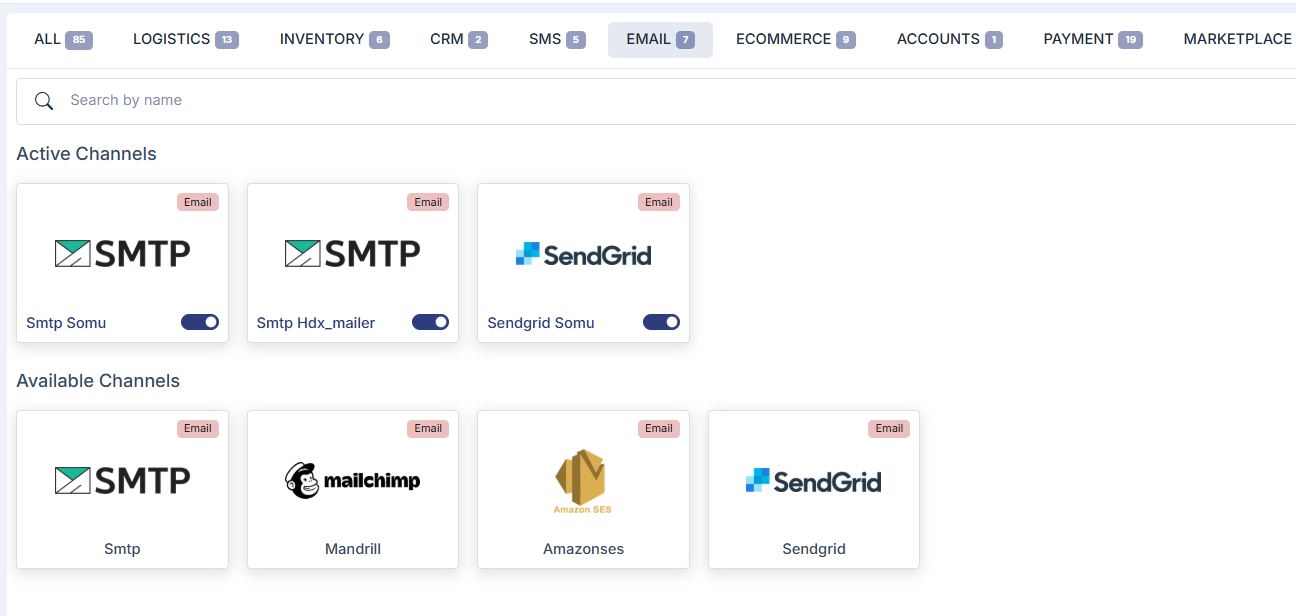
You can select the email service provider you want to integrate and proceed with adding the required API credentials and email templates to start sending transactional and automated emails. The following email channels are currently supported on Mystore:
- SendGrid
- SMTP
- Mandrill
- Amazon SNS
Was this page helpful?