
How to Set Up Meta Ad Manager
Meta Ads Manager is the central platform for creating, managing, and tracking all your Facebook and Instagram ad campaigns. Before you can run any paid ads on Meta, you must set up Ads Manager by accepting the platform policies and configuring your billing details. A Facebook account is required as a prerequisite before starting this setup.
Step-by-Step Setup Guide
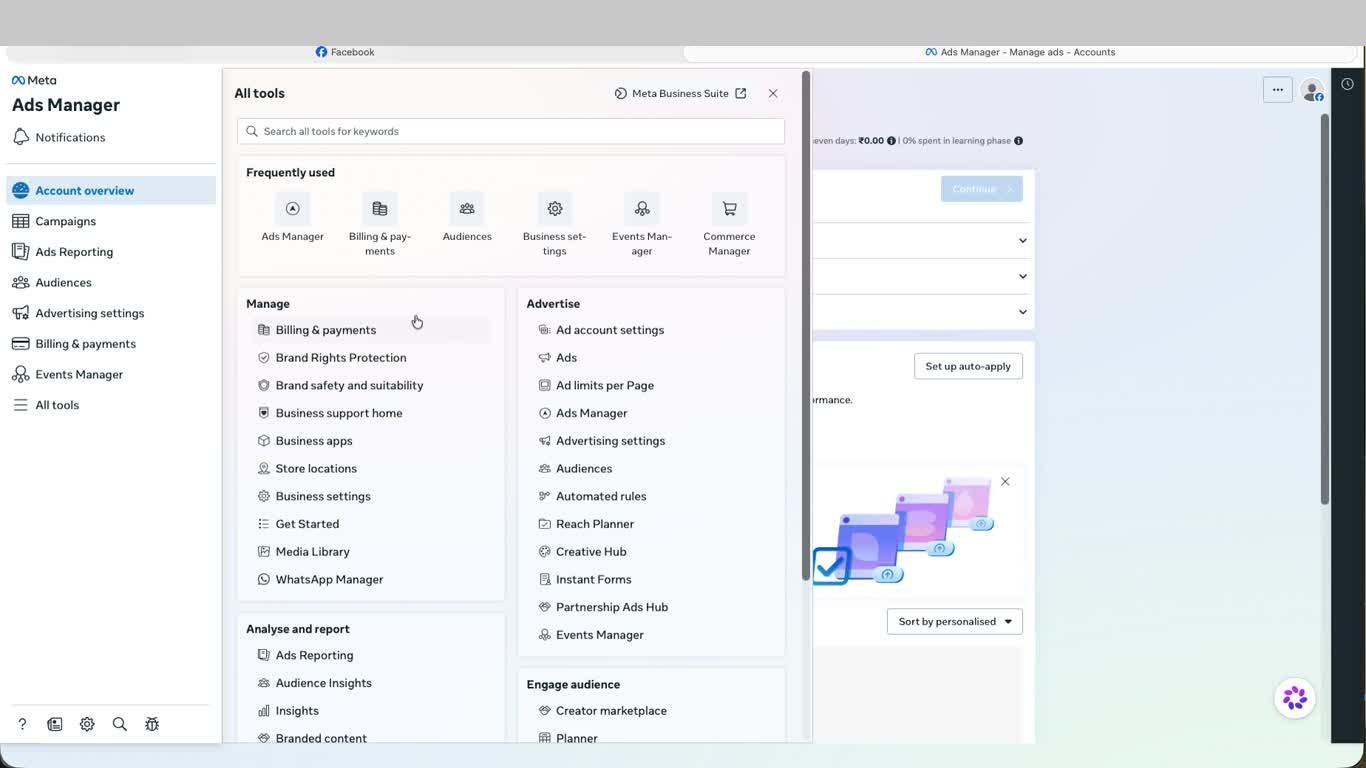
- From your Facebook profile, click the grid icon (Apps) in the top right navigation bar to open the Menu. Locate and click Ads or navigate directly to adsmanager.facebook.com.
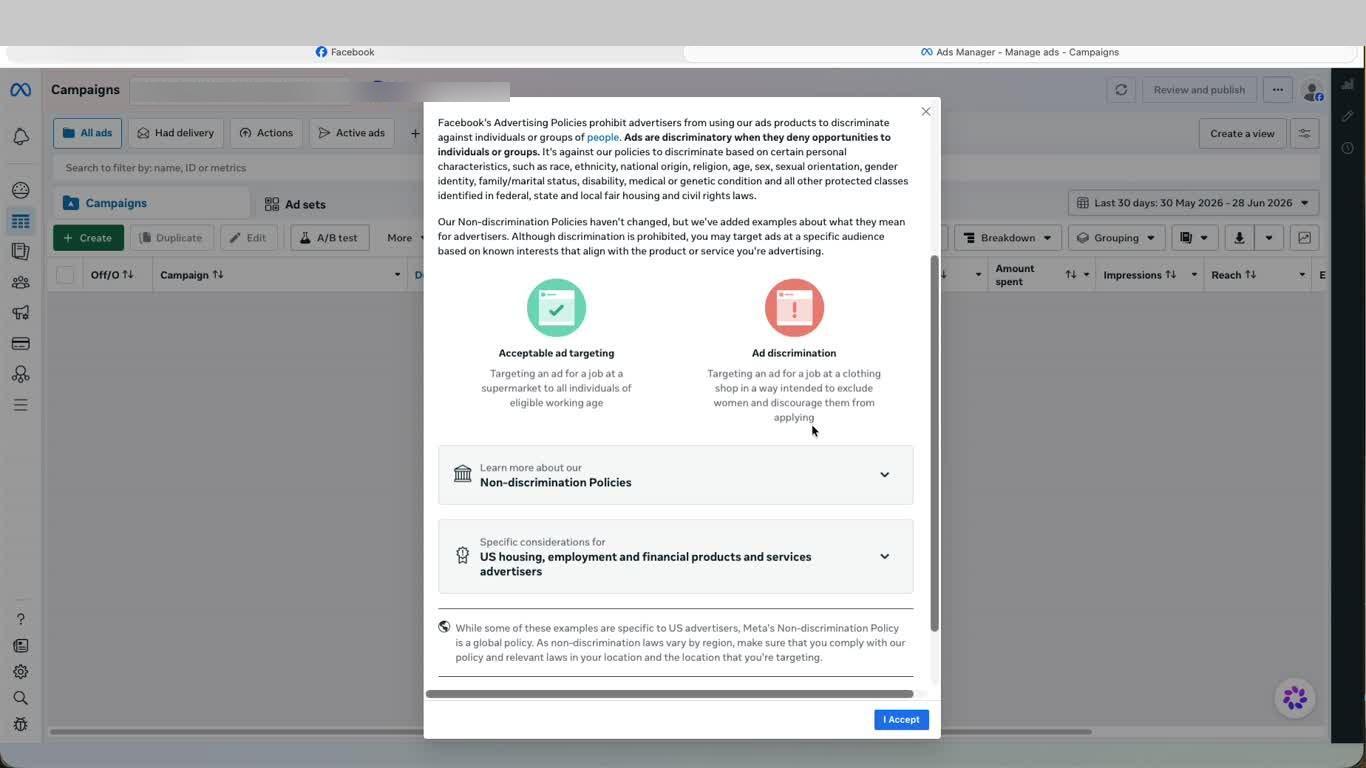
- Ads Manager will open and display Meta's Non-discrimination Policy. Read through it and click I Accept to proceed. This is a mandatory step that confirms you agree to run ads in compliance with Meta's advertising policies.
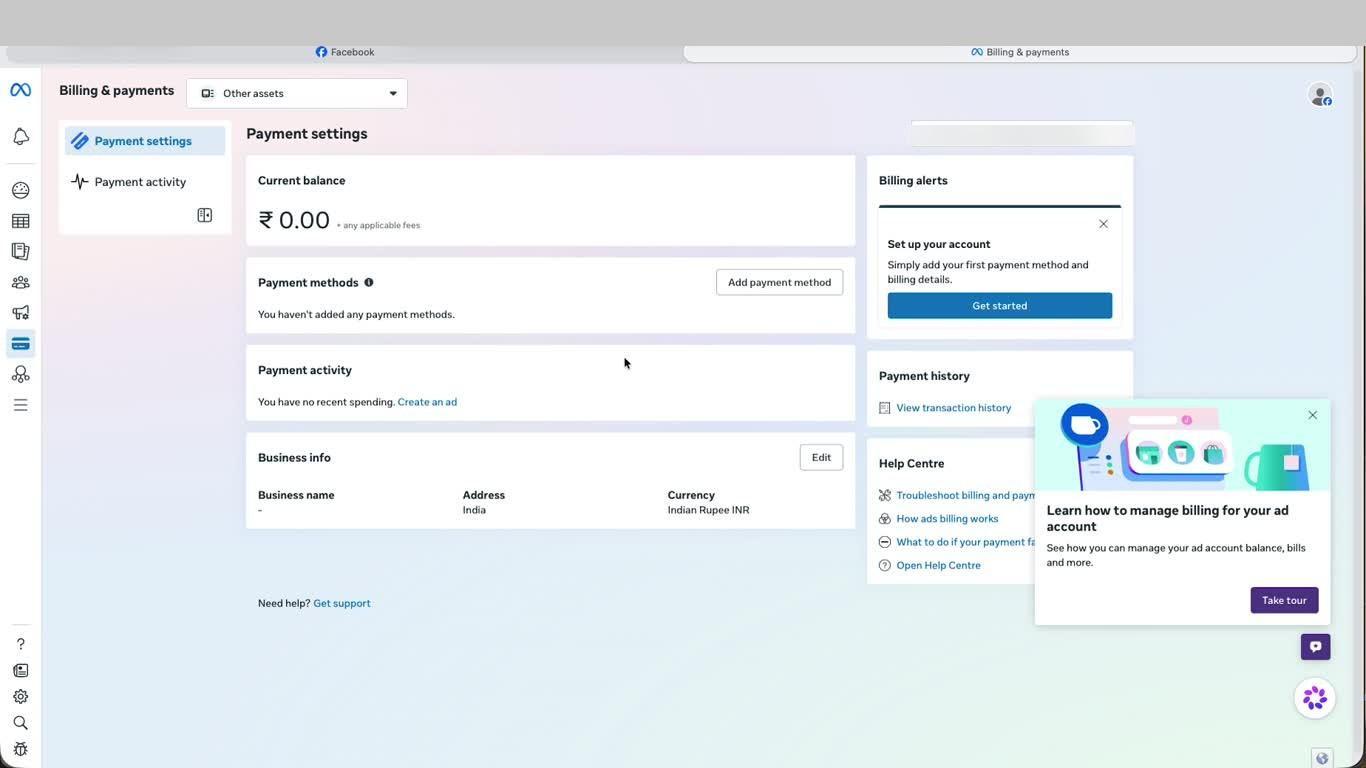
- You will land on the Billing & payments page inside Meta Business Suite. Click Get Started under the Billing alerts panel to begin setting up your payment information.
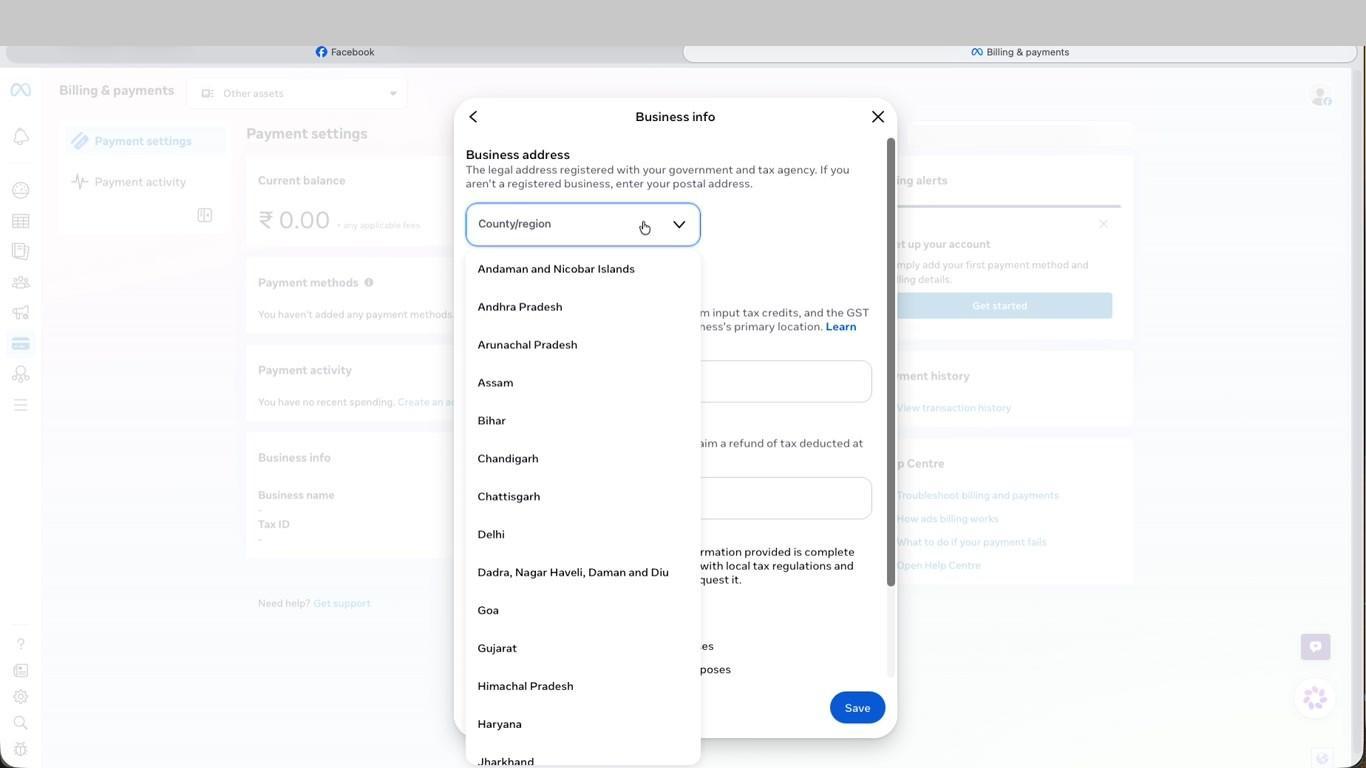
- In the Add payment information dialog, confirm your Country/region is set to India and your Currency is Indian Rupee (INR). Set your Time zone to the appropriate India timezone, then click Next. Note: location and currency cannot be changed after this step.
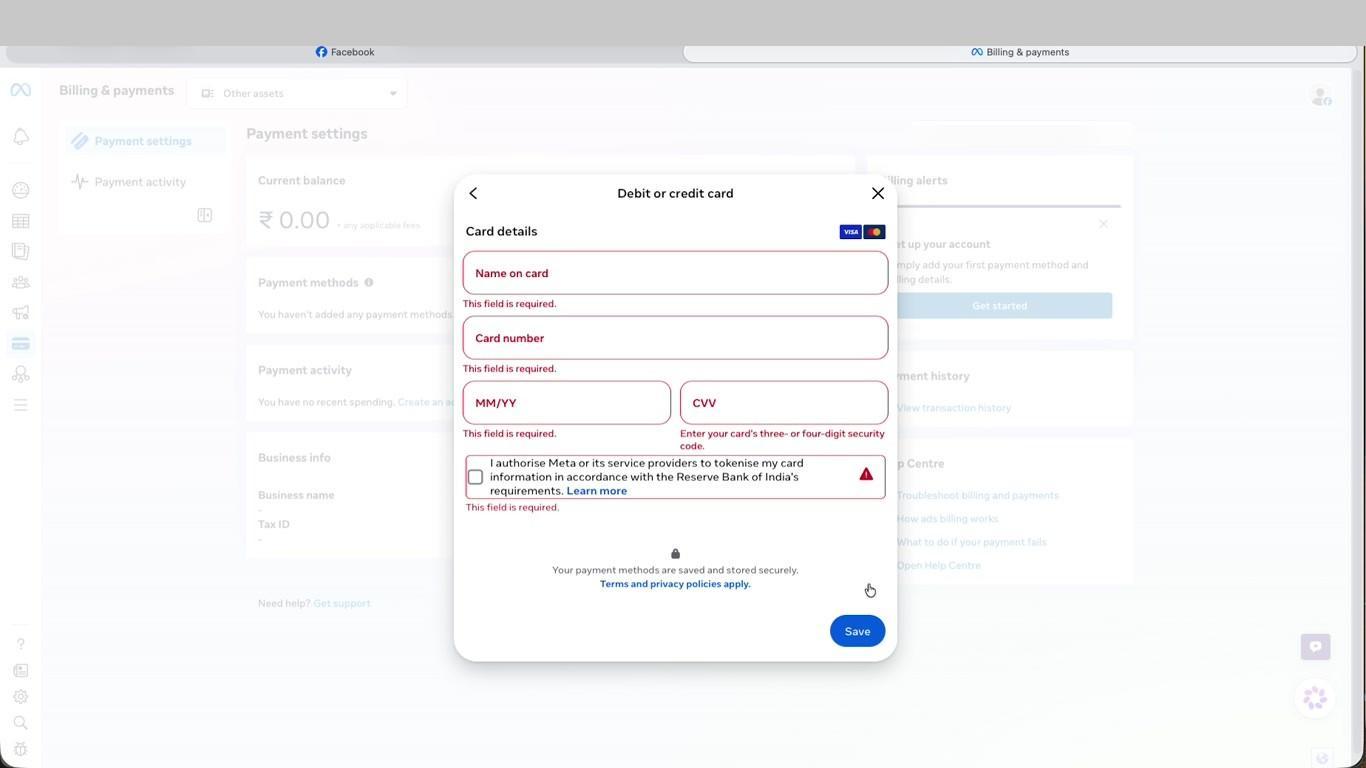
- Enter your Debit or credit card details — Card name, Card number, Expiry date (MM/YY), and CVV. Check the authorisation box to allow Meta to securely tokenise your card as per RBI requirements, then click Save.
- Your Account Overview is now active. Complete the remaining checklist items — Add payment method, Create Facebook Page, and Verify phone number — to be fully ready to publish your first ad.
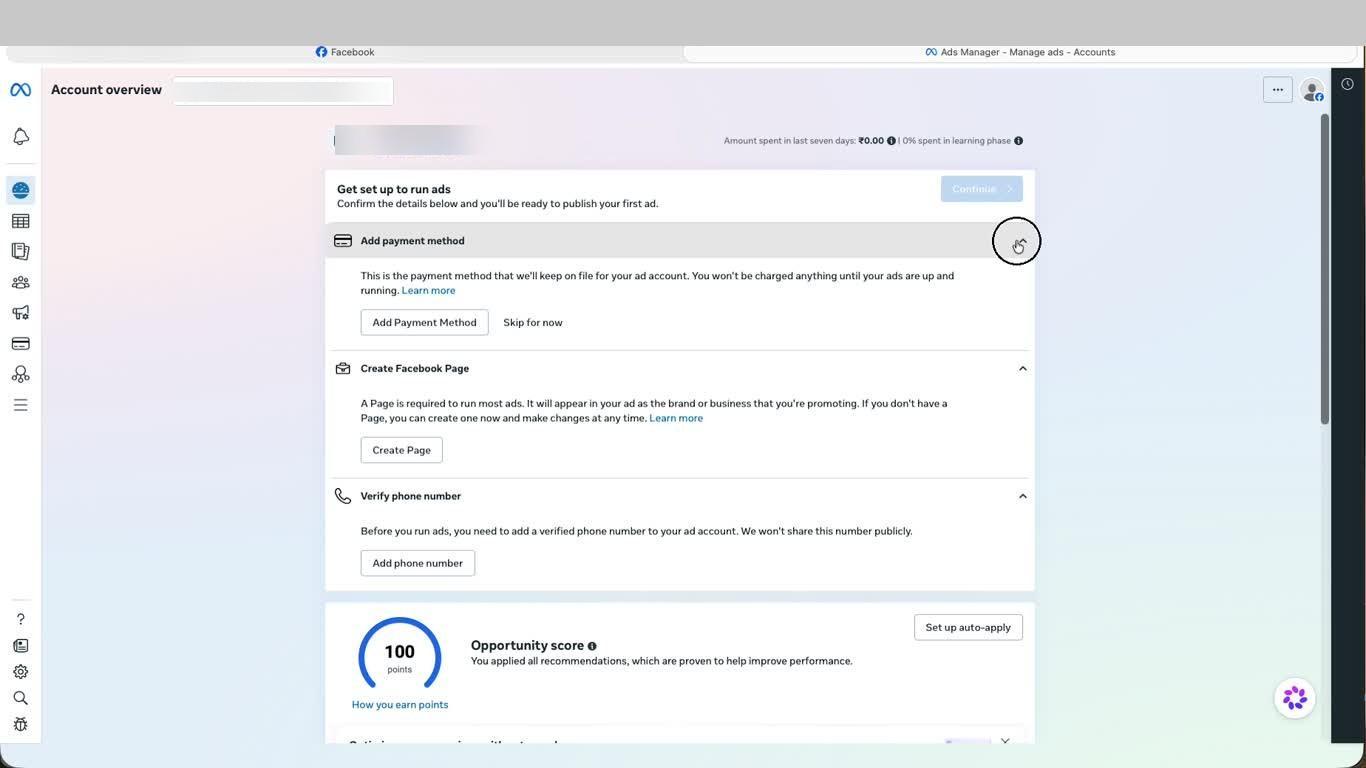
This is the final step. Once billing is configured and your account overview shows the setup checklist, your Meta Ads Manager account is live and ready for campaign creation.
Video Guide
Was this page helpful?