
Amazon Market Place Channel Integration
Integrating your Amazon account with Mystore helps you simplify product management.
Through Mystore’s easy-to-use dashboard, you can:
- Import your Amazon products directly into Mystore.
- Its one time sync to pull the product catalog.
- Save time and avoid manual data entry.
This integration makes it easy for sellers to bring their Amazon catalog to Mystore and manage everything smoothly.
Integrate your Amazon with Mystore with these simple steps:
Step 1: Log into your Mystore seller account

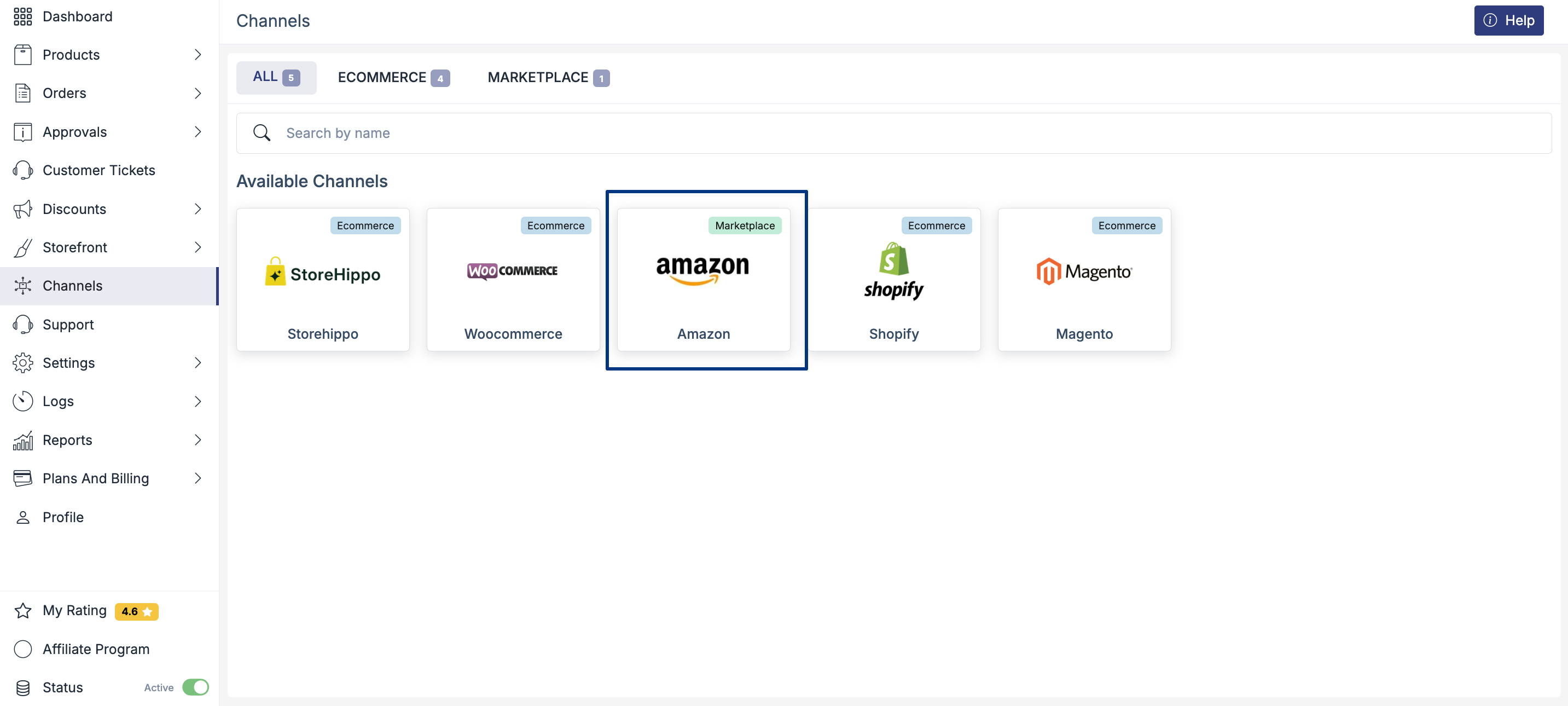
Step 2: In the left dashboard, go to “Channels.”
Step 3: Select the Amazon logo from the available channel options.
Step 4: In the Channel Settings section, enter a Channel Name of your choice.
Step 5: Click on the “Authorize” button in “Account Settings”.
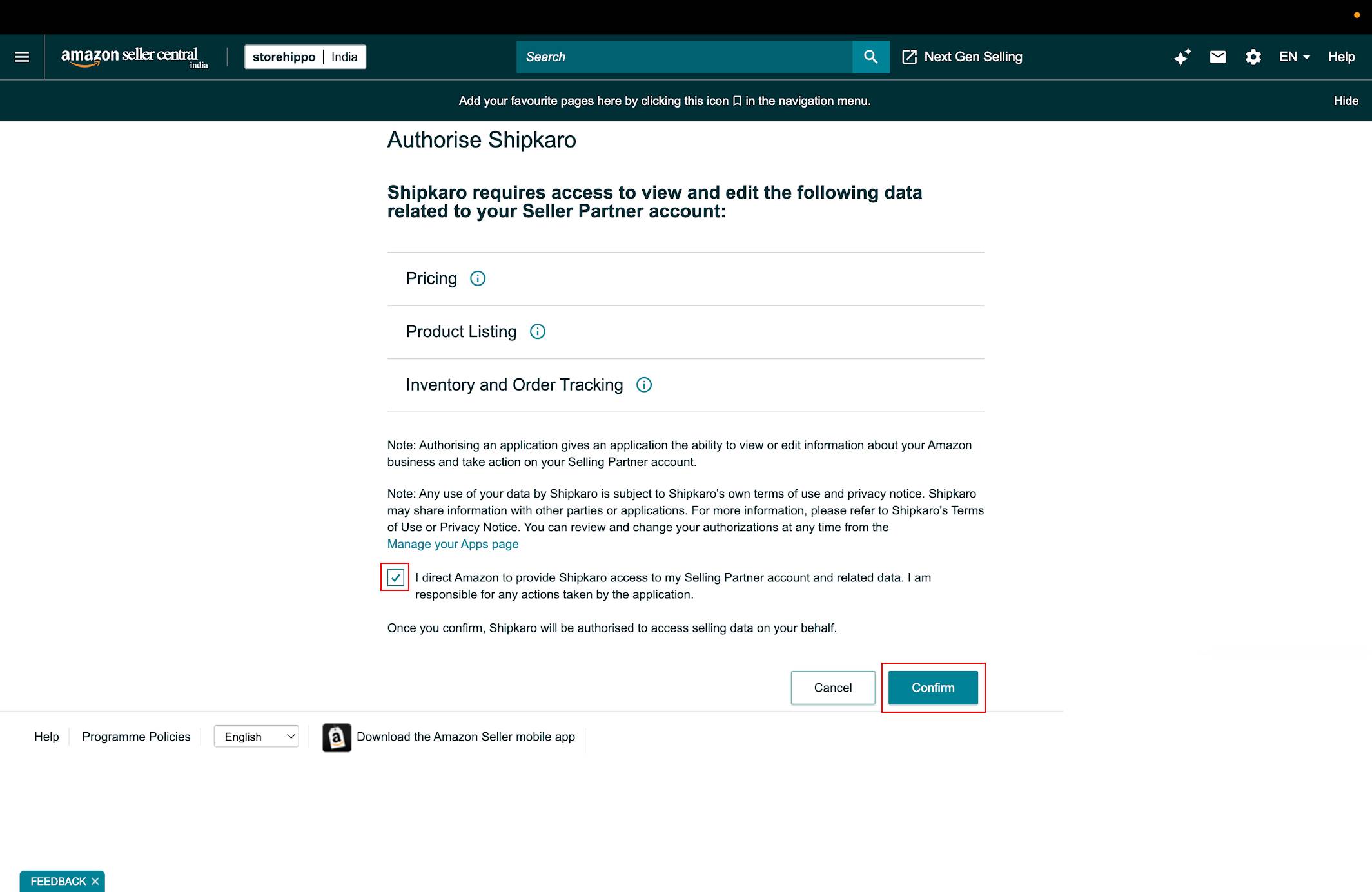
Step 6: Now, a window will pop up. Simply sign in with your Amazon account to configure the two channels.

Note: Authorizing Mystore to access your Amazon product listings lets you sync order and inventory information from your Mystore dashboard. After the authorisation is completed, press “confirm” to proceed.
Step 7: Turn ON the “Import Products" option.


Step 8: Click on “Add Channel”.
Once integration is complete, you can view your Channel Summary confirming that your Amazon products have been successfully imported.
Important Note:
“Channel Records” contains the status of the migration of each product entry. Channel Records is updated within a few minutes after a new entry.

Step 9: Go to Products > Pending Approval. All your synced products should now be displayed on the Mystore dashboard.
